


Block distractions.Plan your day.Track your habits.Reach your goals.
Daily blockers, to-dos, routines, schedule, habits, goals, timers and lists, all in one app.
- No account needed
- Free to use
- No ads
- Never sold or read
carefully designed by a serial procrastinator


8 tabs, each designed to get things done.
Blockers
Block distracting apps and websites
Shut the apps and websites you choose at set times, or right now for as long as you need. On Android, for now.
- Swipe a blocker to the right to choose its apps and websites, its time range, a daily limit and its deletion friction.
- Tap a blocker to turn it on now, for as long as you choose.
- Use Quick blocker for a one-off, and Screen time to see how long you spend in each app.

To do
Note down your tasks
Group tasks by category. A 'top priority' is pinned to the top.
- Swipe a task to the right to give it a deadline, a repeat or a target.
- A task with a target fills its tick a little at each tap. A repeating task comes back shortly before it's next due.
- Tap a task's row beside its text to tick it off. Ticked tasks wait in Done and dusted.
Routine
Plan your routine
Give each step of your day a time. Its alarm rings like an alarm clock until you stop it.
- Swipe a step to the right to set its times, its alert and the apps it blocks until it's ticked off.
- Choose which days of the week a routine applies to.
- Turn on Holiday mode to take a break from your routine.

Schedule
Keep track of your schedule
Events, tasks with deadlines and goal steps share one calendar, with public holidays where you live.
- Pinch in and out to switch between day, 3 days, week and month.
- Tap an empty time to add an event there.

Habits
Track your habits
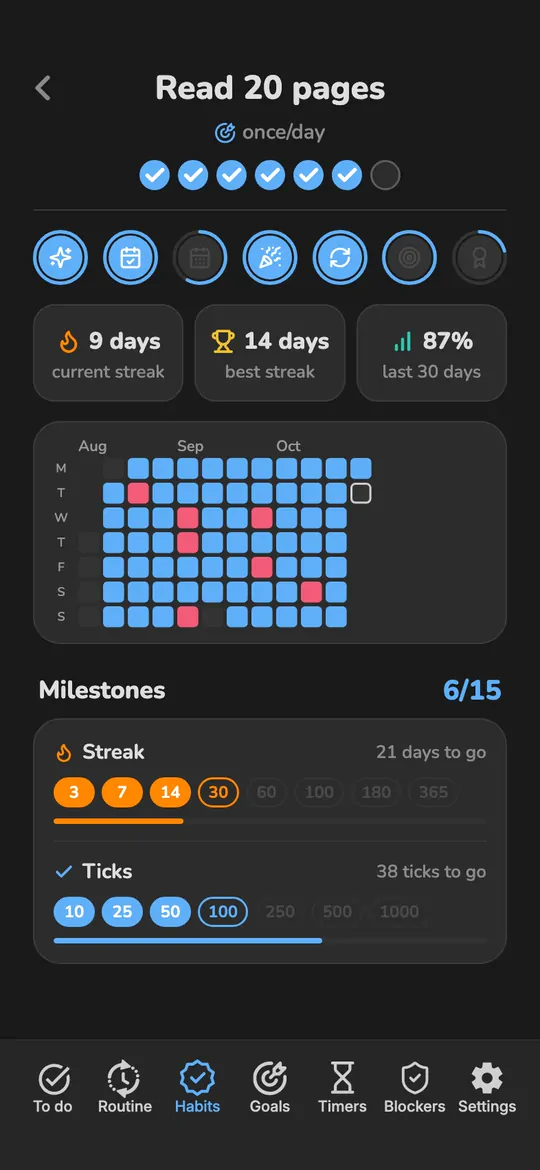
Tap once to tick a habit, twice to cross it off. Charts show your streaks and success rate.
- Swipe a habit to the right to set a target per day, week or month. Several times a day fills its dot a share at each tap.
- Tap a habit to see its charts: streaks, success rate and a year at a glance.
Goals
Define your goals, step by step
Run a 10K, learn the guitar. Split each goal into steps, tick them off, and watch it fill up.
- Tap a goal to tick off and edit the steps that lead to it.
- Give a step a deadline and it shows on your Schedule.

Timers
Program your timers
Run several at once, with phases and rounds. Start from Pomodoro or Tabata, or build your own.
- Swipe a timer to the right to change its length, phases and rounds.
- Use Quick timer for a one-off, or Stopwatch to count up, with laps.

Lists
Create lists
Groceries, packing, books to read. Keep each one apart and switch between them with a swipe.
- Swipe down to see your saved lists and switch between them.
- Tap the title to name or rename a list.
- Press and drag any row to put it where you want.

What you put in daily is yours. It stays on your phone, and it’s never sold or read.
- No account needed
Everything in daily works without signing up. It doesn’t know who you are.
- Never sold, never read
We don’t sell, rent or share your data, use it for ads, or look at it. That won’t change if you later choose to sync.
- No tracking
There are no analytics, ads or crash reports in daily, and it makes no internet connections of its own.
- Your data
Your lists, routines, habits, goals and settings are stored on your phone only. Deleted things wait in History for 30 days, then they’re erased.
Later, you’ll be able to sign in to sync daily across your devices. It’s optional, and your data is never sold or read.
Read the privacy policyAnd the small things
Day, night and pastel
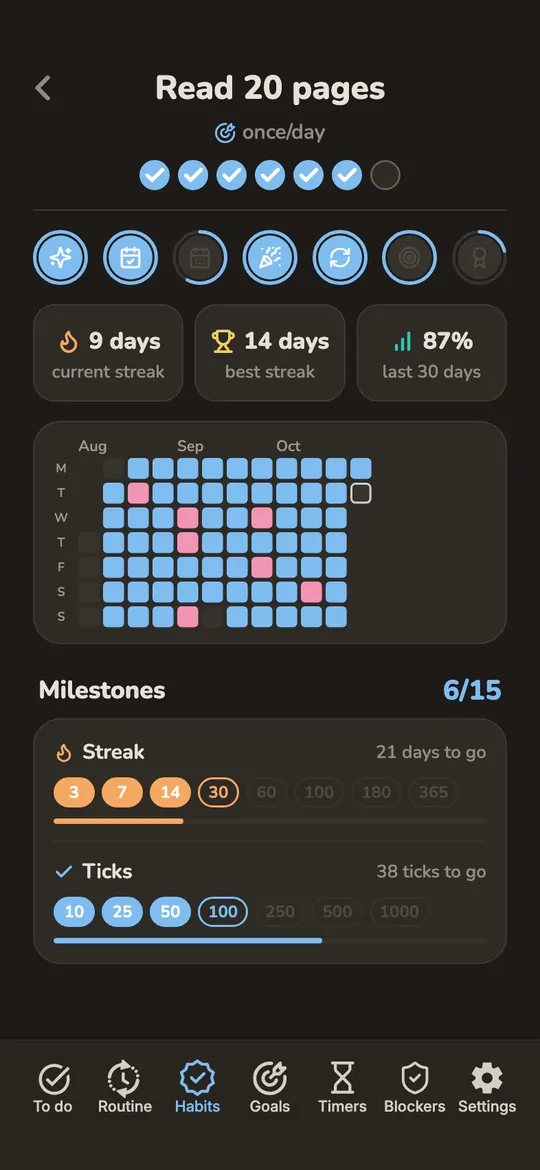
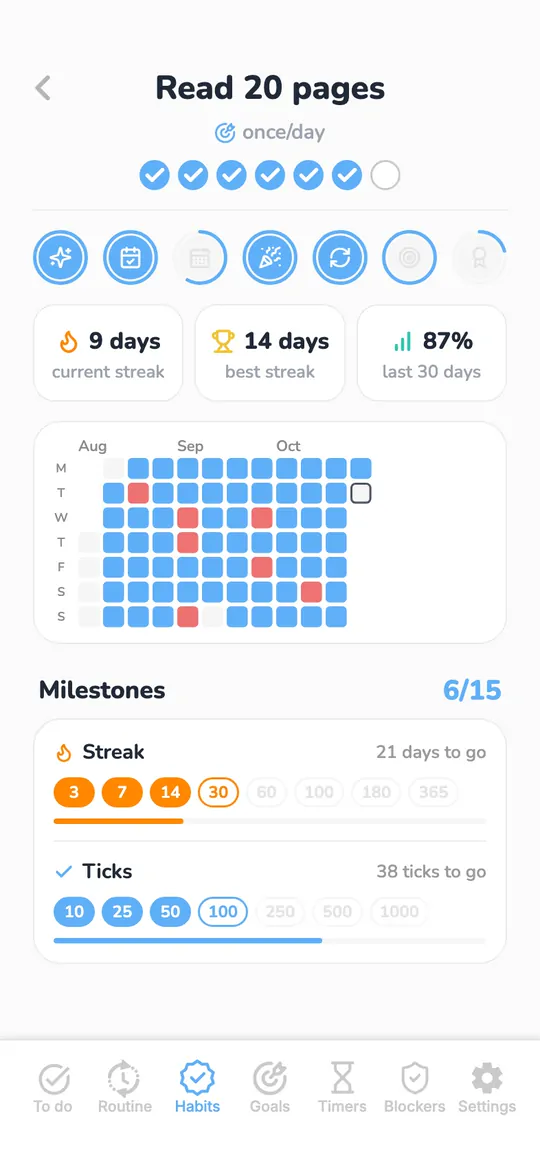
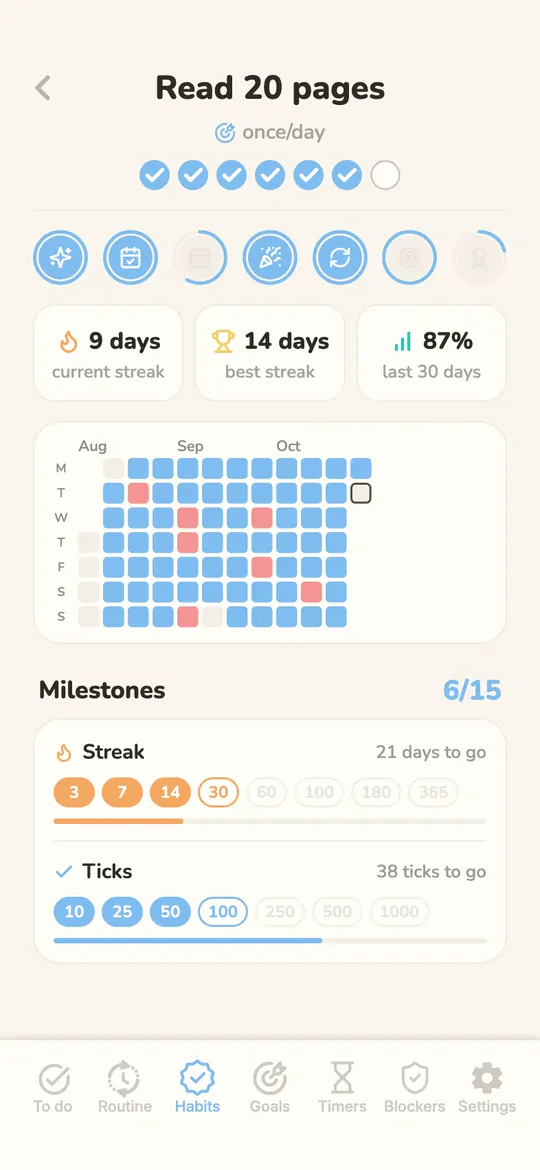
Light or dark, or follow your phone’s dark mode, in Classic colours or softer Pastel ones.
Adding “Call Mum tomorrow at 6pm” with a swipe up from the tab bar, then ticking off Post the parcel the same way. Quick actions
Swipe up from the tab bar and type or say what to add, to any tab. Start with tick off, move or delete to change something.
Switching the app to Ysabeau Infant from Settings › Appearance. Fonts and text size
Pick one of five fonts, how large a row’s text is, and which side its tick sits on.
Opening the locked Christmas ideas with the PIN, then folding them: locked again. Category locks
Hold a category’s header to the right for 3 seconds to lock it. It then opens only with your PIN, fingerprint or face.
Importing three calendars from Settings, then finding their events on the Schedule. Import and export calendars
Bring your phone’s calendars, iCloud’s or an .ics file into Schedule, and share yours as one.
Restoring a list and a habit from Settings › History. History
Deleted lists, routines, habits and goals wait 30 days before they’re erased. Restore them from Settings.
Switching the app to French, then to Japanese. 13 languages
English, Français, Español, Deutsch, Italiano, Português, Nederlands, Polski, Русский, Українська, 日本語, 简体中文, 한국어.


Ideas, bugs, questions?
daily is an independent project, still growing. Ideas and bug reports are always welcome.
support@daily-app.org